TypeScript Example
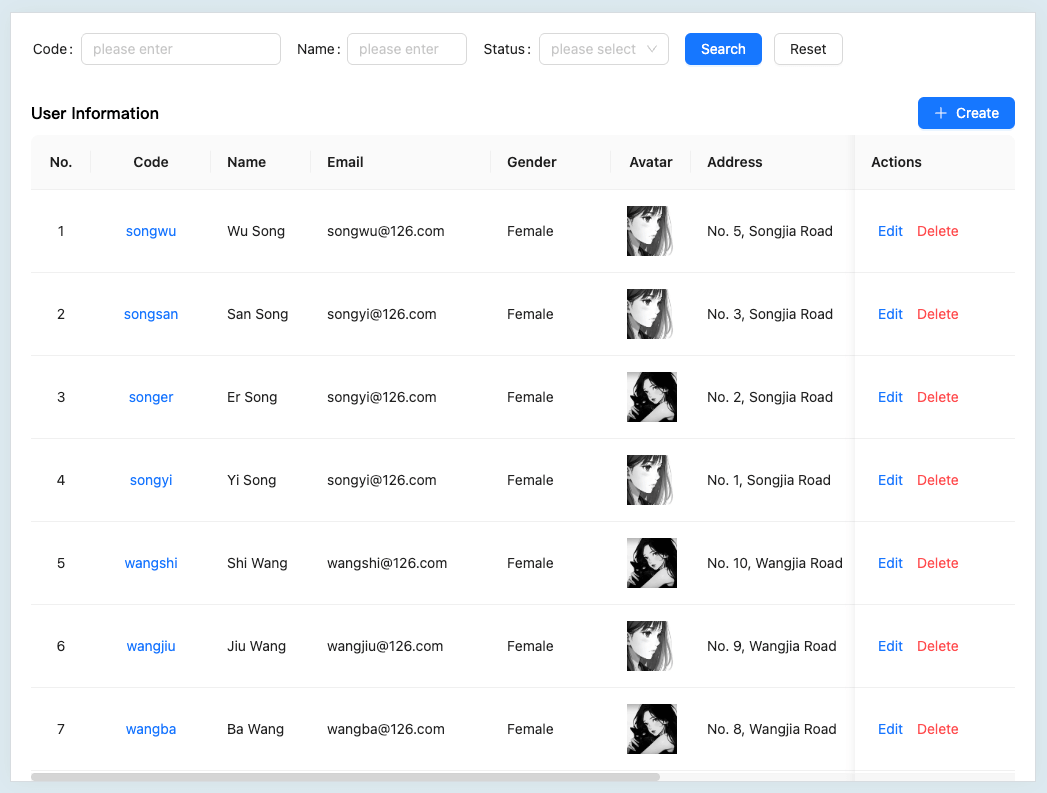


Overview
This example demonstrates how to integrate ApiSorcery with TypeScript projects. TypeScript provides static type checking and enhanced developer experience for JavaScript applications, making it ideal for large-scale web applications.
Features
- Type safety: Full TypeScript support with generated interfaces and types
- Framework agnostic: Works with React, Vue, Angular, and other TypeScript frameworks
- Axios integration: Built-in support for Axios HTTP client with interceptors
- IntelliSense support: Full IDE support with auto-completion and type checking
- Tree shaking: Optimized bundle size with ES modules support
Quick Setup
1. Install ApiSorcery
bash
npm install -g autoapi2. Initialize Configuration
bash
autoapi init -l tsThis creates a .autoapirc.json configuration file:
json
{
  "application": {
    "language": "ts",
    "outputDir": "./src/api/auto"
  },
  "services": [
    {
      "code": "demo",
      "token": "72735b33815c4e5c9c2a924a8f4907ef",
      "version": 3,
      "enabled": true,
      "source": "https://your-api.com/swagger.json"
    }
  ]
}
3. Install Dependencies
bash
npm install axios
npm install -D @types/node
4. Generate API Client
bash
autoapi generate5. Use in TypeScript
typescript
import * as ApiUser from '@/apis/auto/demo/ApiUser';

class UserService {
  async getUsers() {
    try {
      const res = await apiUser.getUserPaged({
        pagination: {
          page: 1,
          limit: 10,
        },
      });
      return res.results || [];
    } catch (error) {
      console.error('Failed to fetch users:', error);
      throw error;
    }
  }
}
Framework Integration
Vue 3 + Composition API
typescript
import { ref, onMounted } from 'vue';
import { ApiMain } from '@/api/auto/main/api';

export function useUsers() {
  const users = ref<User[]>([]);
  const loading = ref(false);
  const apiMain = new ApiMain();

  const fetchUsers = async () => {
    loading.value = true;
    try {
      const response = await apiMain.getUsers();
      users.value = response.data || [];
    } finally {
      loading.value = false;
    }
  };

  onMounted(fetchUsers);

  return { users, loading, fetchUsers };
}
React with Hooks
typescript
import { useState, useEffect } from 'react';
import { ApiMain } from '@/api/auto/main/api';

export function useUsers() {
  const [users, setUsers] = useState<User[]>([]);
  const [loading, setLoading] = useState(false);
  const apiMain = new ApiMain();

  useEffect(() => {
    const fetchUsers = async () => {
      setLoading(true);
      try {
        const response = await apiMain.getUsers();
        setUsers(response.data || []);
      } finally {
        setLoading(false);
      }
    };

    fetchUsers();
  }, []);

  return { users, loading };
}
Best Practices
- Type Definitions: Leverage generated TypeScript interfaces for better type safety
- Error Handling: Implement proper error boundaries and error handling strategies
- Request Interceptors: Use Axios interceptors for authentication and request/response transformation
- Environment Configuration: Use different API endpoints for development, staging, and production
- Code Splitting: Implement lazy loading for API modules to optimize bundle size